Self-hosted Azure DevOps agents in docker
Self-hosted Azure DevOps agents in docker
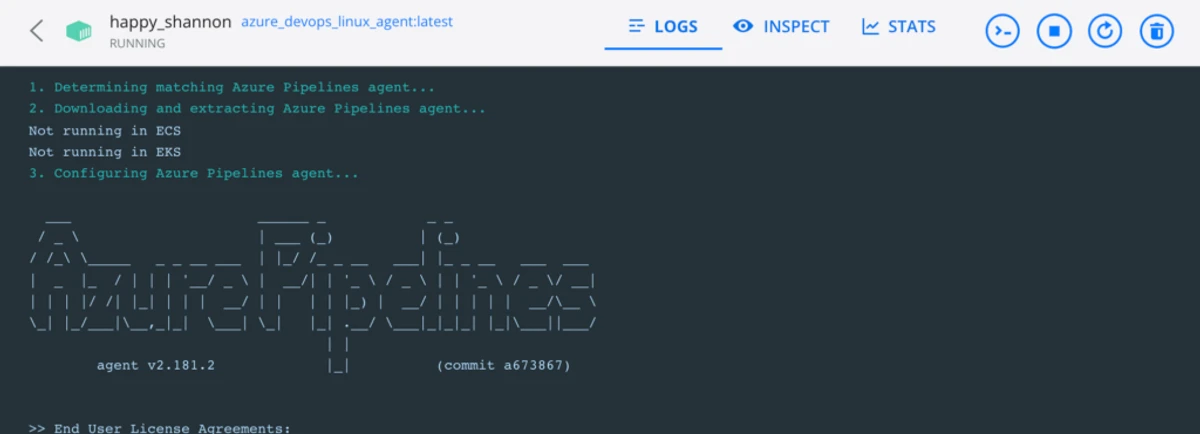
With more of our codebase moving to .NET Core, we can begin to see real cost savings from its multi-platform nature. We no longer require Windows-only build agents, which means lower rental costs and properly scalable infrastructure. Here’s how I recently moved a client’s self-hosted Azure DevOps agents to Linux Docker containers.
Create the Dockerfile
Depending on the host platform for your containers, you can base it on Ubuntu or Amazon Linux. I have included both versions in the gist for this post.
FROM ubuntu:21.10

# To make it easier for build and release pipelines to run apt-get,
# configure apt to not require confirmation (assume the -y argument by default)
ENV DEBIAN_FRONTEND=noninteractive
RUN echo "APT::Get::Assume-Yes \"true\";" > /etc/apt/apt.conf.d/90assumeyes

RUN apt-get update && apt-get install -y --no-install-recommends \
Or Amazon Linux:
FROM amazonlinux:latest

# To make it easier for build and release pipelines to run apt-get,
# configure apt to not require confirmation (assume the -y argument by default)
# ENV DEBIAN_FRONTEND=noninteractive

RUN yum update -y && yum install -y git cmake gcc make \
Modify the start.sh
The documentation gets you started with a sample start.sh that mostly works. In some scenarios, such as hosting in ECS or EKS, agents were not removed even after their containers were deleted. After some investigation, I discovered that the .agent and .credential files for on-premises installations only persisted the server’s base URL. For an installation at https://corporate.devops_server.com/collection_name, only https://corporate.devops_server.com gets persisted. This isn’t a problem during normal use, but in an autoscaling deployment the agents remain in the agent list after their hosts scale down.
To address this, I simply reassert the value in both files during the removal phase using the following:
print_header "Cleanup. updating $AZP_URL..."
    # the 'dirname' command strips the collection name from the url
    base_url=$(dirname "$AZP_URL")
    # then I replace the baseUrl with the full url
    if [ "$base_url" != "$AZP_URL" ]; then
      sed -i "s,$base_url,$AZP_URL,g" .agent
      sed -i "s,$base_url,$AZP_URL,g" .credentials
    fi
In this file, I also chose to persist the environment and path variables required by our common build jobs. Microsoft agents do not use the traditional Linux files for these variables; they use .env and .path files. Here’s how I persist environment variables:
# persist variables
touch .env
echo "CREATED_ON=$CREATED_ON" >> .env
export JAVA_HOME=$(readlink -f /usr/bin/java | sed "s:/bin/java::")
echo "JAVA_HOME=$JAVA_HOME" >> .env
export PATH="$PATH:$JAVA_HOME/bin"
Since I want each agent to be unique, I also set its name in this file. This may not be necessary, as the name can be passed in the docker run command:
PREFIX="docker-agent"
SUFFIX=$(openssl rand -hex 2);
if [[ -z "${ECS_CONTAINER_METADATA_URI}" ]]; then
  echo "Not running in ECS"
else
  echo "HOST_TYPE=ECS" >> .env
  SUFFIX=$(echo "$ECS_CONTAINER_METADATA_URI" | awk -F/ '{print $NF}' | cut -d "-" -f 1)
  PREFIX="ecs-task"
fi
if [[ -z "${KUBERNETES_SERVICE_HOST}" ]]; then
  echo "Not running in EKS"
else
  echo "HOST_TYPE=EKS" >> .env
  SUFFIX=$(echo "$HOSTNAME" | awk -F- '{print $NF}')
  PREFIX="eks-pod"
fi
Later, we can name the agent:
print_header "3. Configuring Azure Pipelines agent..."
./config.sh --unattended \
  --agent "${AZP_AGENT_NAME:-$PREFIX-$SUFFIX}" \
Wrapping up
From here, it’s just a case of building the Docker image, uploading it to a repository of your choice and hosting the containers.
# build
docker build -t azure_devops_linux_agent:latest . ;

#run
docker run -e AZP_URL=https://corporate.devops_server.com/collection_name \
            -e AZP_TOKEN=ef11fac1e8bf434e8d201cfddcb9acf4 \
            -e AZP_POOL=core_docker \
            -e DOTNET_CLI_HOME=/tmp \
            -v /var/run/docker.sock:/var/run/docker.sock \
            -v /var/vsts:/var/vsts \
            -d azure_devops_linux_agent:latest
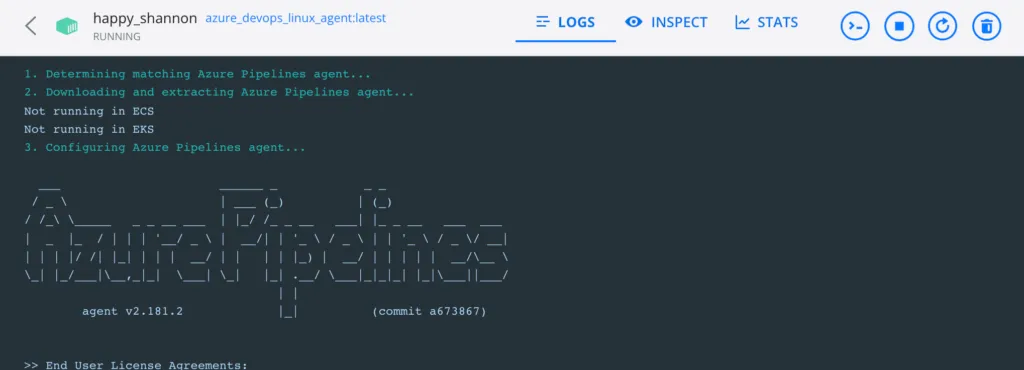
The results can be seen here:
And in Azure DevOps:
